When LLMs Start Getting Real Work Done: Agent, Skill, RAG, and the Next AI Architecture
An engineering view of how Agent, RAG, Tool, and Skill fit together and why modern AI systems look increasingly like operating systems.
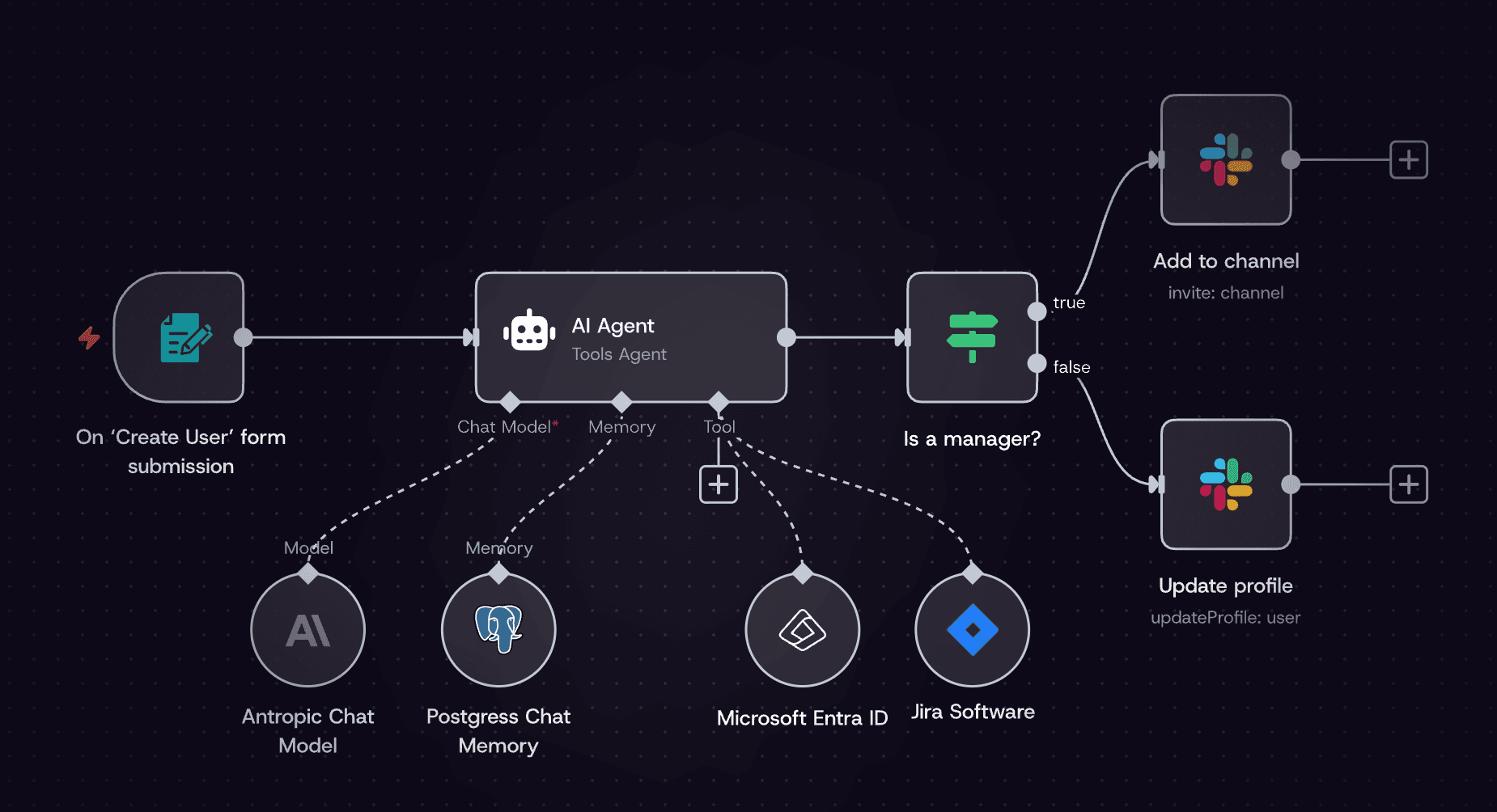
Over the past year, a few terms have shown up everywhere in AI conversations:
Agent, RAG, Tool, Skill, Workflow
At first, I was also confused: are these truly new technologies, or just Prompt Engineering with new names?
After building projects and reviewing architecture patterns, I reached one conclusion:
The LLM era is fundamentally about turning language models into software systems.
Agent, RAG, and Skill are just different components of that system.
This is not a paper and not a formal survey. It is simply a set of practical observations.
1. By itself, an LLM can do very little
Many people get this first impression from GPT:
It knows everything.
From an engineering perspective, that is not true.
An LLM has three basic capabilities:
- Understand text
- Generate text
- Continue tokens probabilistically
Beyond that, it cannot access your database, run code, read your PDFs, or know what happened today.
So when you ask:
Analyze our company sales data.
The model usually has no actual data.
This turns AI engineering into one core problem:
How do we connect real-world information to the model?
That leads to the first key technique: RAG.
2. RAG: giving the model memory
RAG stands for Retrieval Augmented Generation.
In plain words:
Retrieve first, answer second.
Typical flow:
User question
  ↓
Vector retrieval
  ↓
Relevant documents
  ↓
Inject into prompt
  ↓
LLM response
For example, if the user asks “Who proposed Transformer?”, the system retrieves Attention Is All You Need, injects context, then the model answers.
So the model looks informed, but in reality it is grounded by retrieved evidence.
This is why many AI products today are essentially:
- ChatGPT + document base
- ChatGPT + company database
- ChatGPT + internal knowledge system
Common scenarios:
Enterprise knowledge
Employees ask policy questions, system retrieves from internal docs.
Customer support
Users ask return/refund questions, system retrieves from FAQ.
Academic assistant
Students ask about diffusion models, system retrieves papers first.
One-line summary:
RAG shifts LLM answers from static training memory to live knowledge memory.
3. Tool use: giving the model hands
RAG solves the knowledge side, not the action side.
If the user says:
Calculate 1234 × 5678.
Without tools, the model may guess.
So we need Tool Use (also called Function Calling / Tool Calling).
Typical flow:
User question
  ↓
LLM decides required tool
  ↓
Tool/API execution
  ↓
Result returned
  ↓
LLM final response
Example: “How is Beijing weather today?”
The model calls a weather API, receives data, then formats a response.
Common tools:
- Search APIs
- Calculator
- Databases
- Python runtime
- Browser
That is why modern AI applications increasingly resemble operating systems.
4. Agent: letting the model plan tasks
RAG and tools solve knowledge and action, but complex goals still need planning.
For a request like:
Write a blog post about AI agents with references.
The real workflow is multi-step:
- Search sources
- Read sources
- Summarize
- Draft
- Add references
If users must guide every step manually, it is inefficient.
The core idea of an Agent is:
Let the model plan and iterate on task steps.
Typical loop:
Goal
  ↓
LLM planning
  ↓
Tool action
  ↓
Observe result
  ↓
Next step
  ↓
Until completion
This is often called ReAct (Reason + Act).
5. Skill: packaged capabilities for agents
If an agent starts from scratch every time, quality and efficiency suffer.
So many systems add Skills: prebuilt capability modules.
An AI office assistant might expose skills like:
- Email drafting
- Document summarization
- Slide generation
- Code generation
Flow:
User request
  ↓
Agent routing
  ↓
Skill selection
  ↓
Execution
This mirrors human behavior: we rely on reusable skills, not full reasoning from zero each time.
6. Modern AI architecture looks like an OS
When all components are combined, the structure becomes clear:
        User
         │
         ▼
     LLM Agent
         │
 ┌───────┼────────┐
 ▼       ▼        ▼
RAG    Tools    Skills
 │       │        │
Vector DB API   Task modules
A simple analogy:
- LLM = brain
- RAG = memory
- Tools = hands
- Skills = capabilities
- Agent = decision layer
Frameworks such as LangChain, LangGraph, AutoGPT, and CrewAI all implement variations of this pattern.
7. One practical view on agents
People say:
Agents are the future.
I would say:
Yes and no.
Current agent systems still face serious issues:
1. Hallucination
The model may fabricate tool outputs.
2. Unstable planning
Loops, redundant steps, and low-value actions happen.
3. Cost
Long chains can call models dozens of times and quickly become expensive.
So in production, many teams do the opposite of “full autonomy”:
Reduce agent freedom through engineering constraints.
Examples: fixed workflows, restricted toolsets, pre-defined skills.
In short:
Engineering discipline usually matters more than raw autonomy.
8. Where the real value is
LLMs are most valuable not as chat toys, but as automation engines for complex information work.
1. Research assistants
Search papers, summarize findings, draft reviews.
2. Coding assistants
Write code, debug issues, retrieve docs.
3. Enterprise knowledge systems
Answer from wiki, docs, and internal communication sources.
4. Data analysis
Use Python, generate charts, and write reports from natural language requests.
This points to a new software paradigm:
A natural-language operating system.
Users say “do this,” and the system executes end-to-end.
9. Software may evolve like this
Traditional software:
User → UI → Function
AI-native software:
User → Agent → Tools → Result
Interfaces may get simpler, potentially down to a single input box.
Final note
Today’s AI ecosystem feels like the internet in 1995: everyone is experimenting with Agent, RAG, Tool, and Workflow patterns.
Many ideas will fade, some will become infrastructure.
But one direction is increasingly clear:
Future software will behave more like a thinking system than a static tool.